Docker Compose: A Beginner's Guide

📌 What is Docker compose?
Docker compose is a tool that helps you deploy and manage your Docker applications. It allows you to define your application's environment in a single file, and then use that file to create and run the application.
📌 Why use Docker Compose?
There are many reasons to use Docker Compose. Here are a few:
It makes it easy to define and deploy your applications.
It helps you to avoid errors.
It makes it easier to scale your applications.
It makes it easier to manage your applications.
📌How to use Docker compose
To use Docker Compose, you first need to create a docker-compose.yaml file. This file will contain the definition of your application's environment.
The docker-compose.yaml file is divided into two sections: the services section and the volumes section.
The services section defines the services that make up your application. Each service has a name, an image, and a set of configuration options.
The volumes section defines the volumes that are used by your application. A volume is a directory that is shared between the host machine and the container.
Once you have created the docker-compose.yaml file, you can use the docker-compose up command to create and run your application.
Example of a Docker compose file
Here is an example of a docker-compose.yaml file:
version: '3.8'

services:
  web:
    image: nginx:latest
    ports:
      - 80:80

  db:
    image: mysql:5.7
    volumes:
      - db_data:/var/lib/mysql

volumes:
  db_data:
This file defines two services: a web service and a database service. The web service is running the nginx image, and it is exposed on port 80. The database service is running the mysql image, and it is storing its data in the db_data volume.
📌Benefits of using Docker compose
There are many benefits to using Docker Compose. Here are a few:
It makes it easy to define and deploy your applications.
It helps you to avoid errors.
It makes it easier to scale your applications.
It makes it easier to manage your applications.
📌What is YAML?📝
YAML stands for "YAML Ain't Markup Language." YAML is a human-readable data serialization format. It is often used for configuration files and is also supported by Docker Compose. Think of it as a way to write configuration files that are easy for both machines and humans to understand:
🧩 Structured Data: YAML uses indentation to represent data hierarchies. It's like organizing your data with spaces!
📜 Key-Value Pairs: YAML is all about key-value pairs, making it simple to set configurations.
📁 Readability: Its clean and concise syntax makes YAML files easy to read and write.
🔒 Security: While it's human-friendly, YAML also allows for secure storage of sensitive data.
📌 Task-1
Learn how to use the docker-compose.yml file, set up the environment, configure the services and links between different containers, and also to use environment variables in the docker-compose.yml file.
==================== docker-compose.yml ==============================
version : "3.8"
services:
  web:
    image: nginx:latest
    ports:
      - "80:80"
  db:
    image: mysql
    ports:
      - "3306:3306"
    environment:
      - "MYSQL_ROOT_PASSWORD=test@123"
==================================================================
version - docker-compose version specified
services - services that we want to create
image - image for container
port - port number for service
environment - environment variables of container

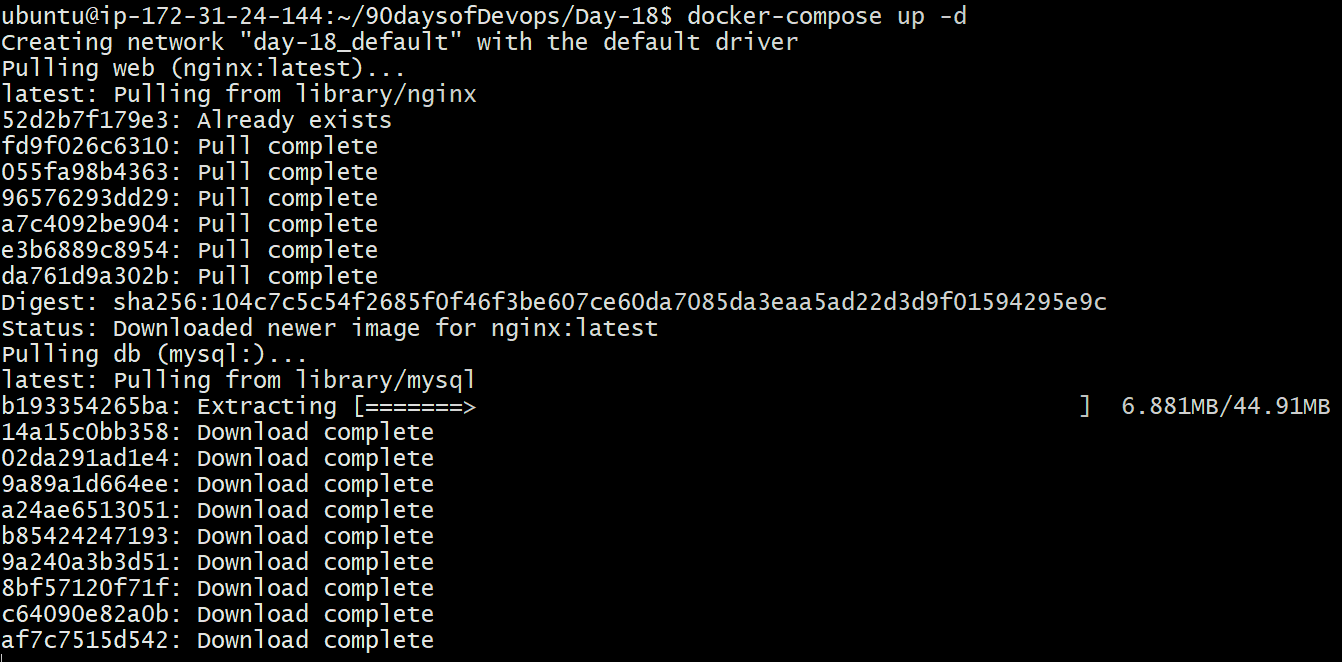
## Run docker-compose

docker-compose up -d
## To check the containers

docker-compose ps -a

## Verify the nginx service in browser - http://54.164.58.69:80

📌 Task -2
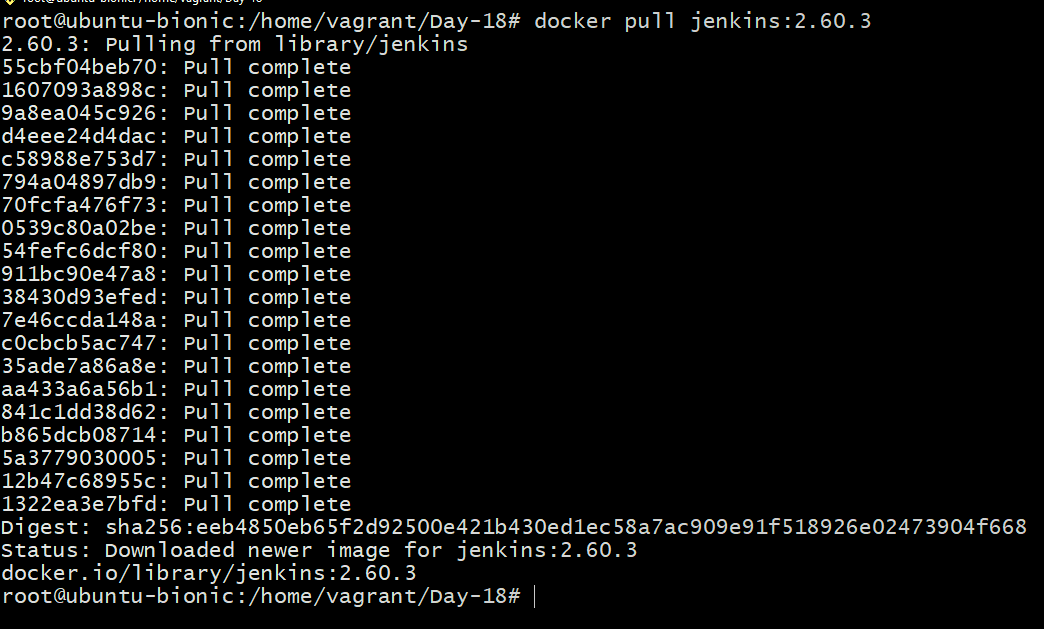
Pull a pre-existing Docker image from a public repository (e.g. Docker Hub) and run it on your local machine.
## Pulled jenkins docker image from dockerhub
## Run the container and verify jenkins dashboard in browser

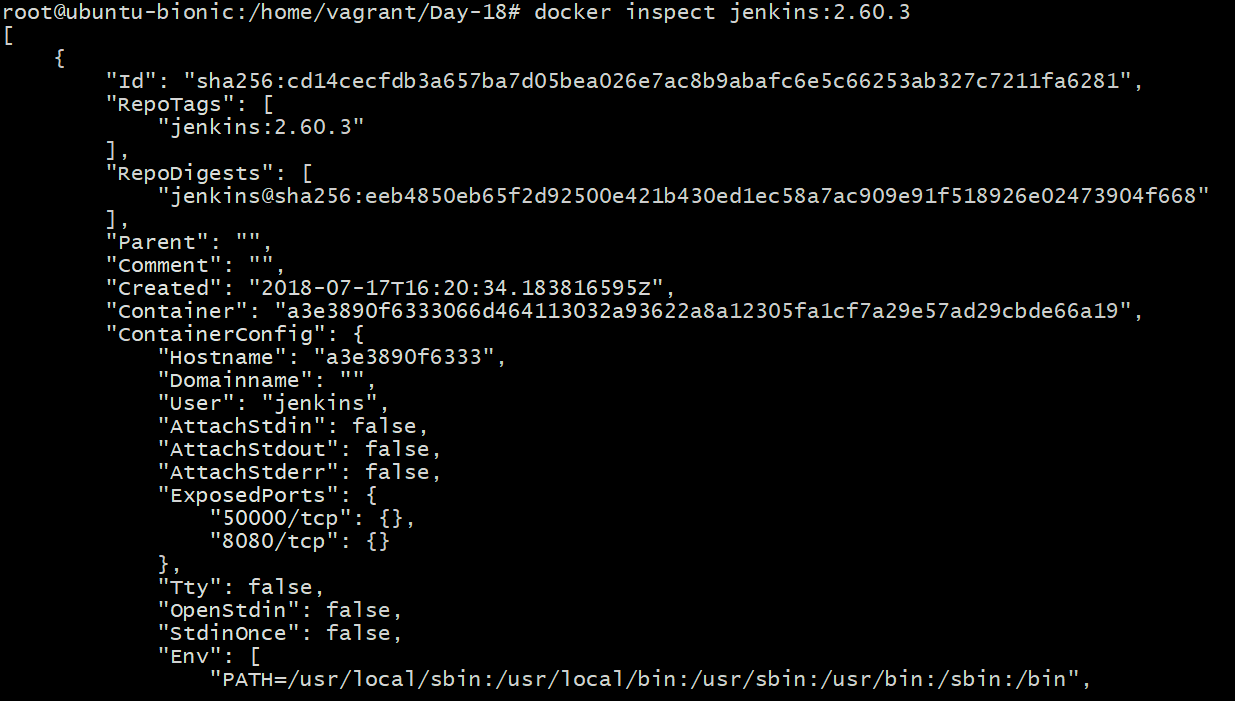
## Inspect the container's running processes and exposed ports using
the docker inspect command.

docker inspect <container_name>
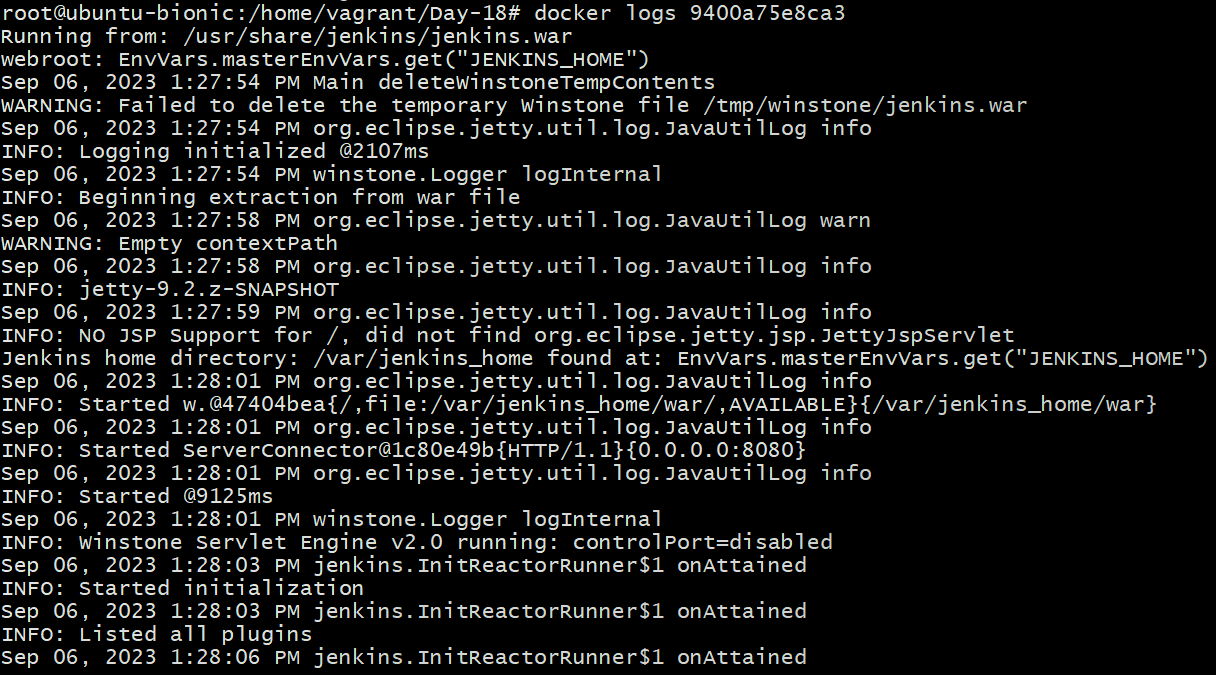
## Use the docker logs command to view the container's log output.

docker logs <container_name>
## Use the docker stop and docker start commands to stop and start the container.

docker stop <container_name>
docker start <container_name>
📌Conclusion
Docker Compose is a powerful tool that can help you to deploy and manage your Docker applications. It is easy to use, and it can help you to avoid errors. If you are using Docker, I encourage you to give Docker Compose a try.
I hope this blog made Docker Compose and YAML easier to understand. If you have any questions, please leave a comment below.
Thank you for giving your precious time to read this blog/article and also follow more such blogs/articles.